Upload your books to AI Book Reader by Ivory Mind.
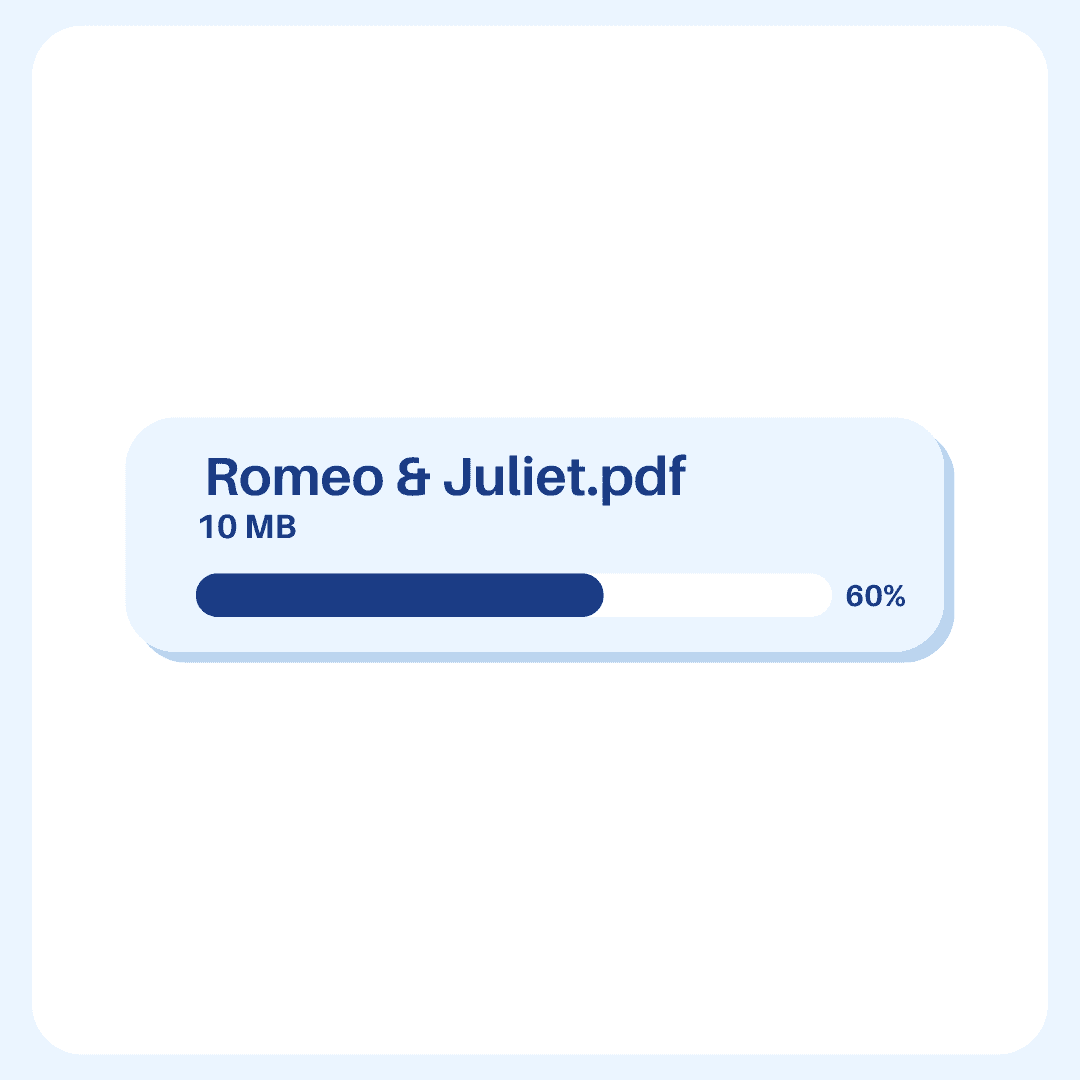
Upload your books to AI Book Reader by Ivory Mind.
2. Set Page Range
2. Set Page Range
2. Set Page Range
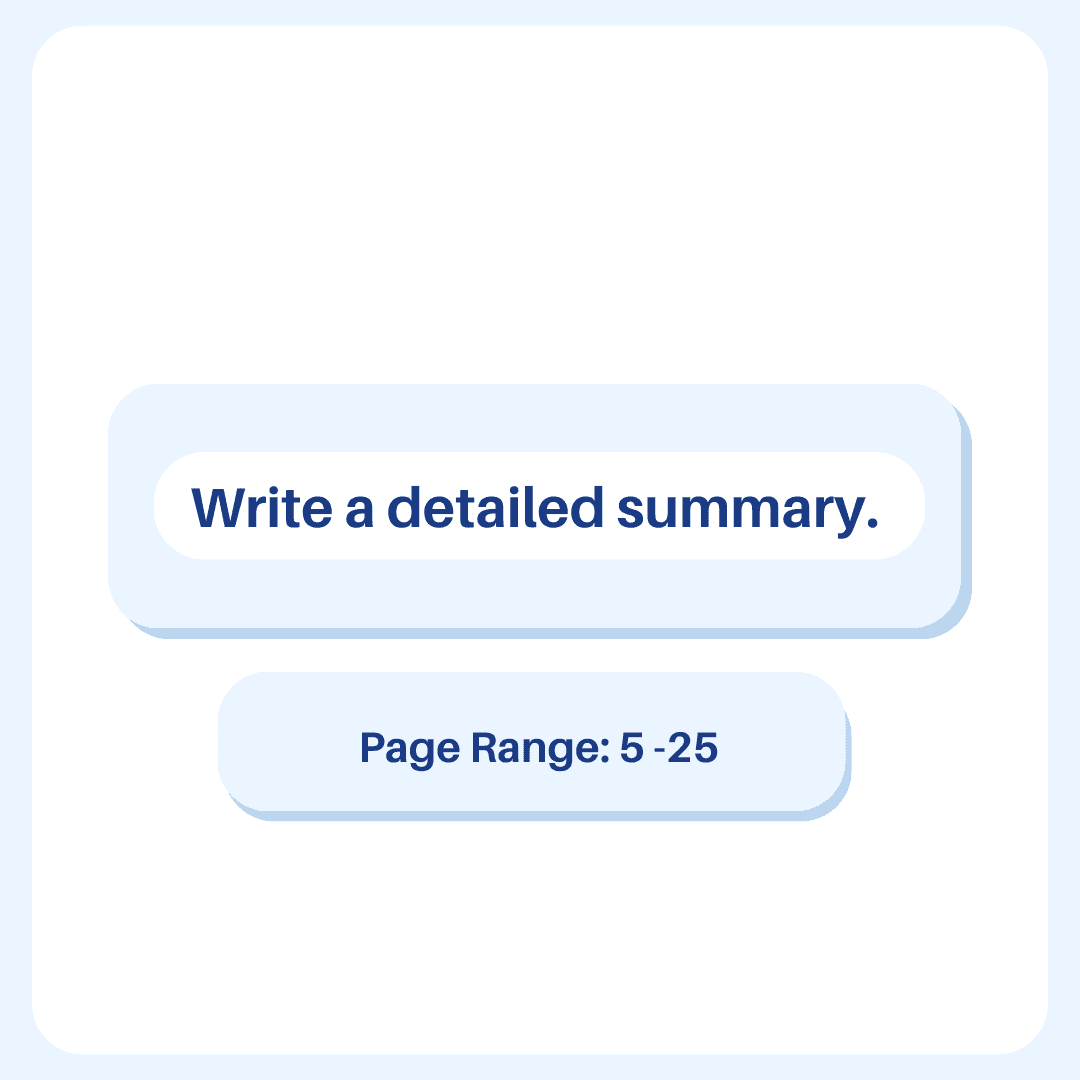
Click "Detailed Summary" and set the page range to summarize.
Click "Detailed Summary" and set the page range to summarize.
3. Get Summary
3. Get Summary
3. Get Summary
Get an instant summary of the book.
Get an instant summary of the book.
FAQ
Frequently Asked Questions
How can I use this?
You can use AI Reader by Ivory Mind to get instant summaries of books. It will condense all of the important points in the book into a short easy-to-read format.
How long can the books be?
There's no page limit. For long books you can summarize individual chapters/sections or the whole book.
Does the AI Reader work in other languages?
Yes, the AI Reader works in 90+ languages. You can upload books written in different languages, generate summaries in different languages, and translate between different languages.
Will the information be correct?
The AI Reader generates summaries based on the book that you upload. You can double check the information in the summary with the page number.
Will the information be correct?
The AI Reader generates summaries based on the book that you upload. You can double check the information in the summary with the page number.
Will the information be correct?
The AI Reader generates summaries based on the book that you upload. You can double check the information in the summary with the page number.
Can I summarize one chapter in a long book?
Yes. To summarize a specific section of a longer book, just type in the page numbers you want to summarize below the chat box.
Can I summarize one chapter in a long book?
Yes. To summarize a specific section of a longer book, just type in the page numbers you want to summarize below the chat box.
Can I summarize one chapter in a long book?
Yes. To summarize a specific section of a longer book, just type in the page numbers you want to summarize below the chat box.
Does this work with other file types?
Yes! Ivory Mind supports many file types, including:
- Word documents (.doc, .docx)
- PowerPoint presentations (.ppt, .pptx)
- Ebooks (.epub, .mobi, Kindle files)
- Text files (.txt, .rtf)
- Markdown files (.md)
- Websites (.html)
And many more file types like .tex, .pages, .key, .abw, .odt, .odp, etc.
If you’d like to upload another format, please let us know.
Does this work with other file types?
Yes! Ivory Mind supports many file types, including:
- Word documents (.doc, .docx)
- PowerPoint presentations (.ppt, .pptx)
- Ebooks (.epub, .mobi, Kindle files)
- Text files (.txt, .rtf)
- Markdown files (.md)
- Websites (.html)
And many more file types like .tex, .pages, .key, .abw, .odt, .odp, etc.
If you’d like to upload another format, please let us know.
Does this work with other file types?
Yes! Ivory Mind supports many file types, including:
- Word documents (.doc, .docx)
- PowerPoint presentations (.ppt, .pptx)
- Ebooks (.epub, .mobi, Kindle files)
- Text files (.txt, .rtf)
- Markdown files (.md)
- Websites (.html)
And many more file types like .tex, .pages, .key, .abw, .odt, .odp, etc.
If you’d like to upload another format, please let us know.
How long does it take to generate a summary?
The summary will be generated in less than 15 seconds.
How long does it take to generate a summary?
The summary will be generated in less than 15 seconds.
How long does it take to generate a summary?
The summary will be generated in less than 15 seconds.