How to Chat with Any PDF
Check out our comprehensive guide to see how Ivory Mind can boost your productivity.
Whether you're a student, researcher, business professional, or just someone looking to streamline your document workflow, you need to be using AI-powered document tools.
Ivory Mind is the best new AI tool to chat with PDFs, saving you 10-15 hours per week.
Check out our comprehensive guide to see how Ivory Mind can boost your productivity.
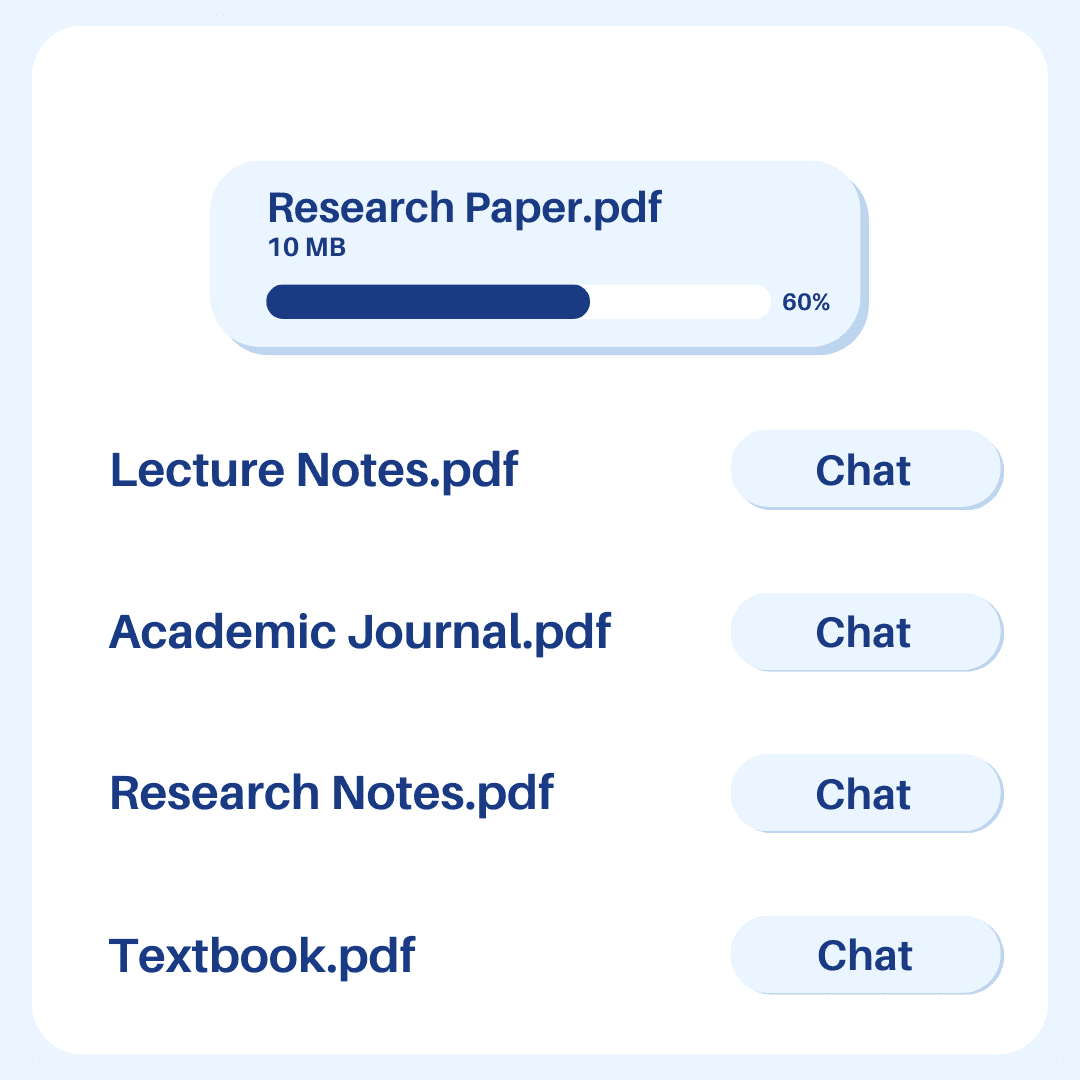
Upload Any PDF
With Ivory Mind, you're not limited to specific types of documents.
You can upload textbooks, research documents, contracts, academic journals, books, financial reports, instructional manuals, or any other type of document to the platform.
Generate Summaries Instantly
Stop wasting time reading 100 page documents.
Ivory Mind's pdf summarizer gives you instant, easy-to-read summaries of your document.
These summaries will save you time and help you quickly understand the main points from a document.
Just upload a PDF, ask for a summary, and get one in seconds.
Ask Questions, Get Answers
Ever wish you could ask your documents questions?
With Ivory Mind, now you can.
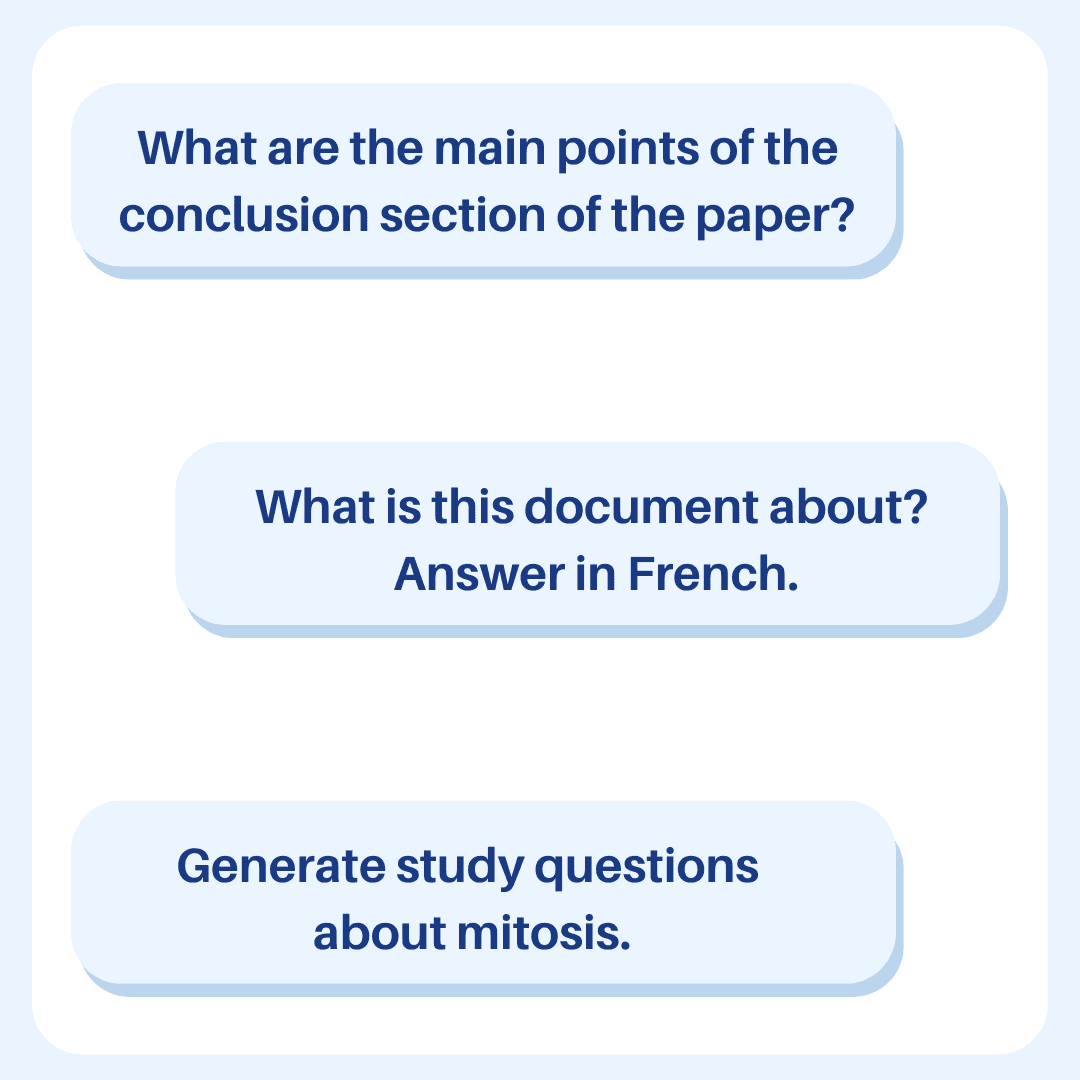
You can ask specific questions about the content to better understand complex topics or clarify details.
Some examples of questions:
What is this document about?
Can you explain [topic] at a 7th grade reading level?
How is AI impacting students?
You should take advantage of this feature if you’re a student or professional learning about a new topic.
Search by Ideas, Not Just Keywords
With Ivory Mind, you can search within your document using full sentences or questions like "How was the study conducted?" instead of having to remember specific key-words.
This feature helps you find relevant information about a topic in seconds.
You can also search across multiple documents at the same time with Ivory Mind’s “Chat All” feature.
Just upload all of your documents to your dashboard, click “Chat All,” and ask any question.
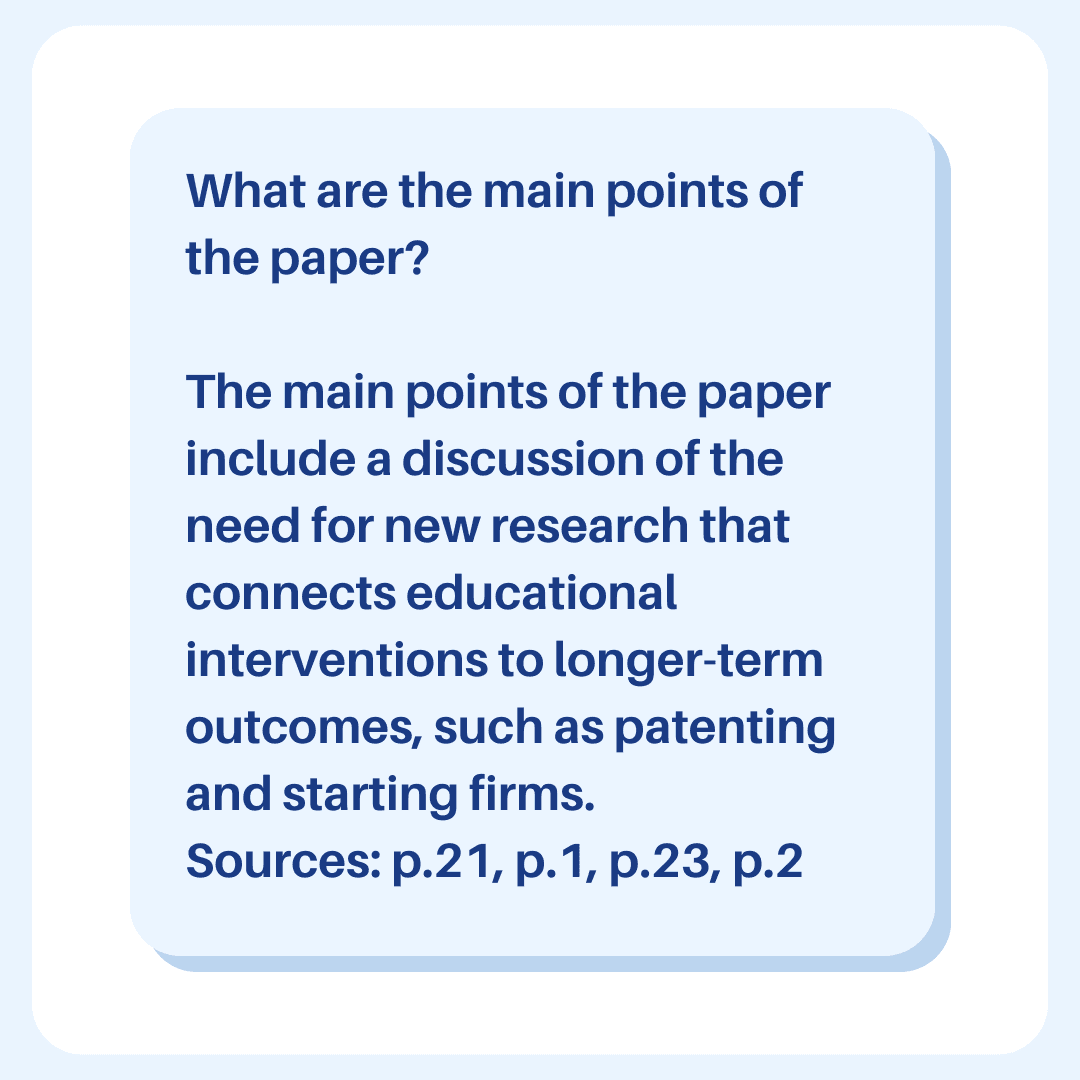
Ivory Mind will find the answer for you from across all of the documents with page citations.
Get Citations in Seconds
For academics and researchers, citing sources accurately is important.
Ivory Mind simplifies this process by providing the page number every time it pulls information from the document, so you can cite research quickly and effectively.
Translate 90+ Languages
You can work with documents in over 90+ languages with Ivory Mind.
Translate documents, get summaries, and generate original content in your language of choice.
Start Boosting Your Productivity
Ivory Mind is a game-changing tool for working with documents.
The best part? You can try it for free.
The next time you're summarizing long reports, querying info from contracts, or translating an instructional manual, check out Ivory Mind.