Train AI On Your Documents
How to train chatgpt on your data
Key Features
Instant Answers from Your Files: Get immediate responses based on the content of your files
Summarize Documents in Seconds: Save hours by quickly summarizing lengthy documents.
Search Across All Documents: Upload your files and easily search for key information across them all.
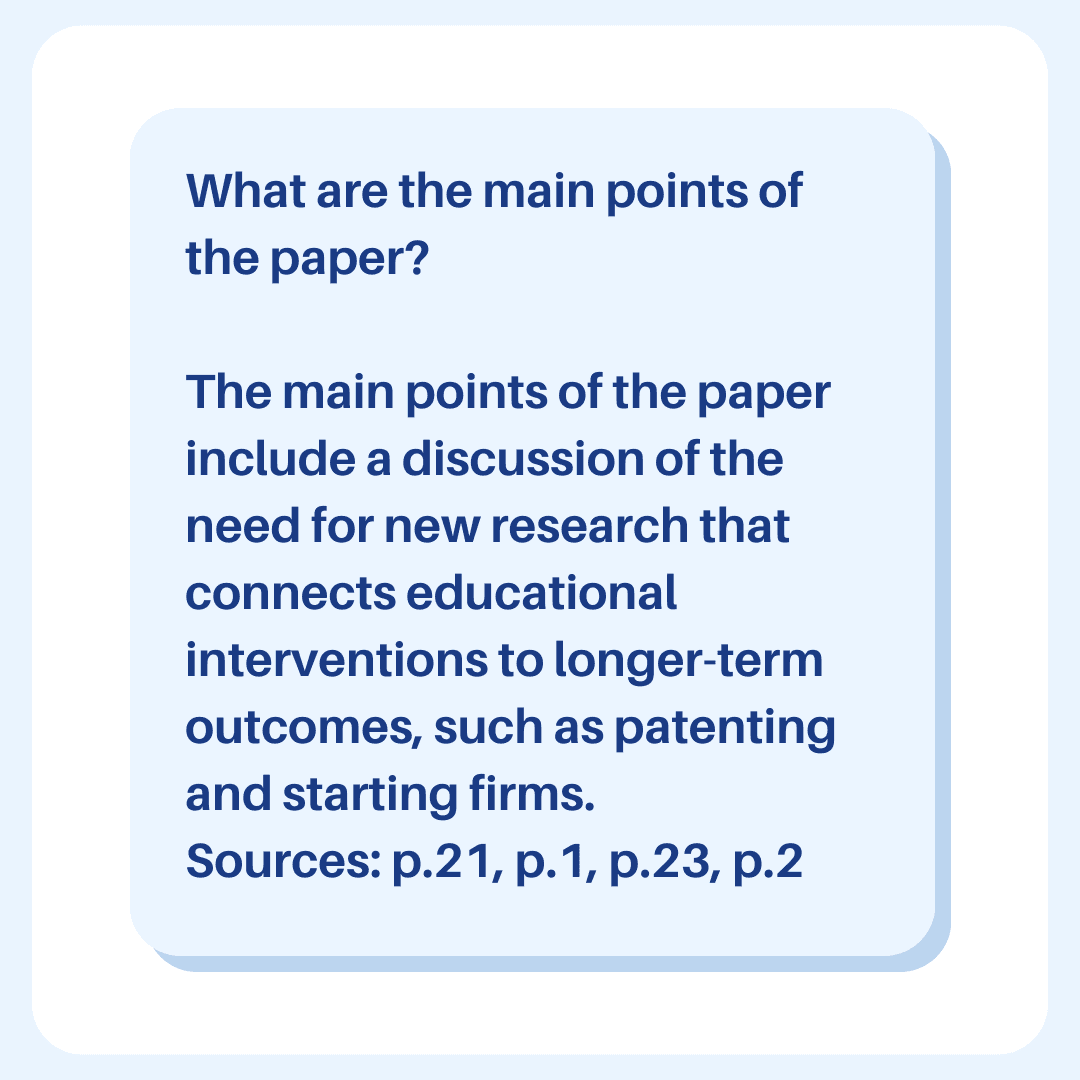
Clickable Page Number References: Each answer comes with a page number reference for easy verification.
Tag and Chat with Groups of Documents: Organize your files with tags and interact with them collectively.
Supports 20+ File Types: Upload and chat with PDFs, DOCX, PPTX, TXT, and more.
Ivory Mind: Your Custom ChatGPT for Documents
Overview
Ivory Mind acts as your personal AI assistant, trained on your documents—essentially, it’s like training ChatGPT on your own data. This custom AI experience allows you to work seamlessly with your documents. Whether you're dealing with Word documents, PDFs, or other file types, Ivory Mind helps you save time by providing concise summaries, answering your questions, and finding important information instantly.
How to Train ChatGPT On Your Documents
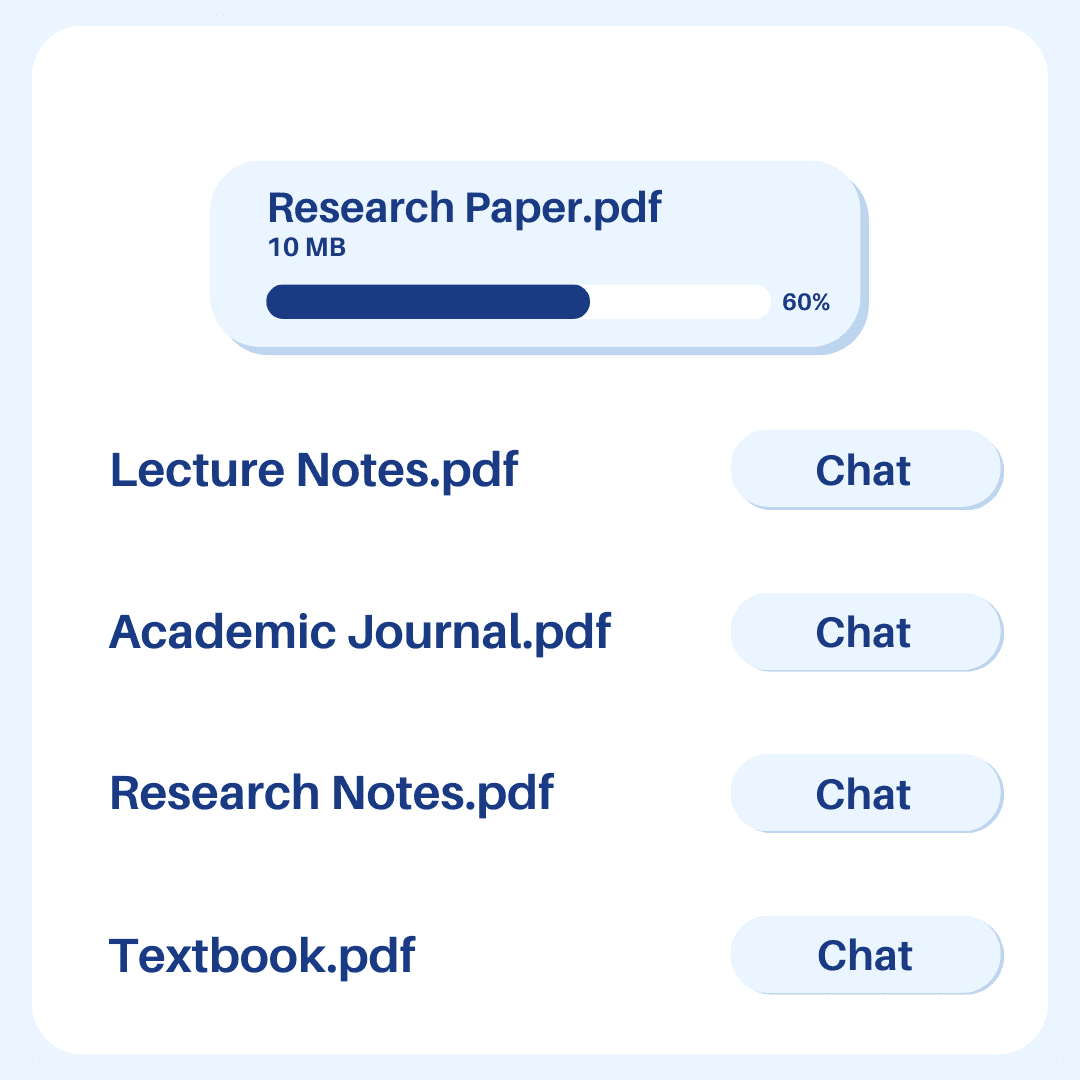
Start by uploading your PDF file—or any of the 20+ supported file types, like DOCX or PowerPoint presentations. This process allows you to get AI answers about your own data. Once your document is uploaded, you can interact with it just like you'd chat with a knowledgeable friend. Ask Ivory Mind anything related to the document, and it will give you quick, precise answers based on the content.
Summarize Documents with AI
Ivory Mind isn’t just about answering questions; it’s also about using AI to understand your specific content. It can summarize entire documents in seconds, providing a tailored experience based on your data. This feature is perfect for quickly grasping the main points of lengthy reports, contracts, or academic papers. Plus, you can search across all your uploaded documents to find specific details, and every response includes a page number reference for easy verification.
The Best AI for Chatting with Documents
Ivory Mind turns static documents into dynamic conversations, effectively allowing you to train ChatGPT to meet your needs. Whether you're preparing for a meeting, studying complex material, or trying to understand a lengthy report, Ivory Mind makes the process faster and more efficient. It’s like having a helper that knows your documents inside and out, ready to provide insights whenever you need them.
By using Ivory Mind, you'll streamline your workflow, better understand complex information, and get more done with your DOCX files and other documents. This is a prime example of how training ChatGPT with your data can enhance productivity.
Tutorial: How to Use AI With Your Documents
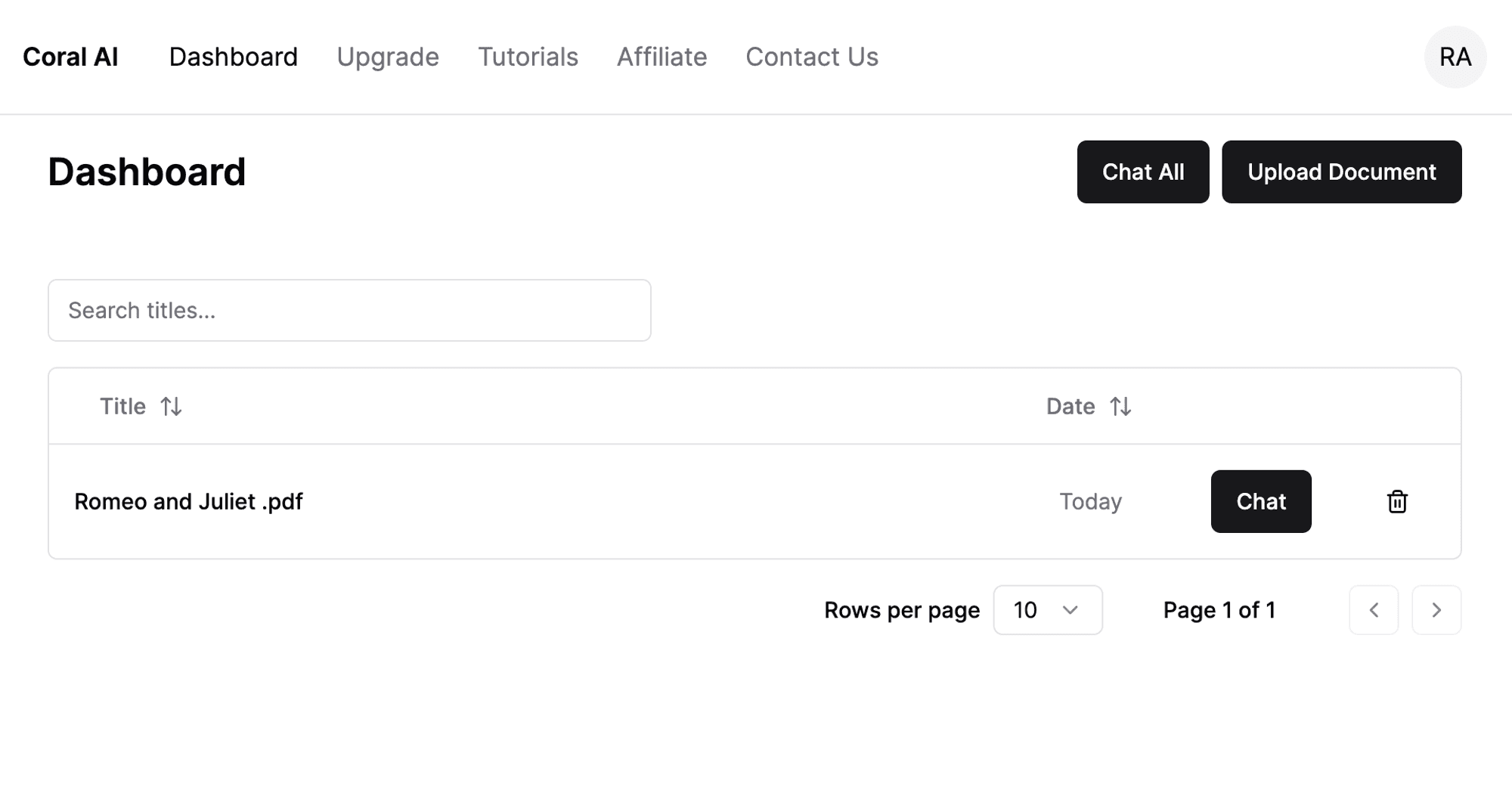
1. Upload a document and click “Chat.”
2. Type your question into the chat box.
You can ask anything you want but try to be as specific as possible.
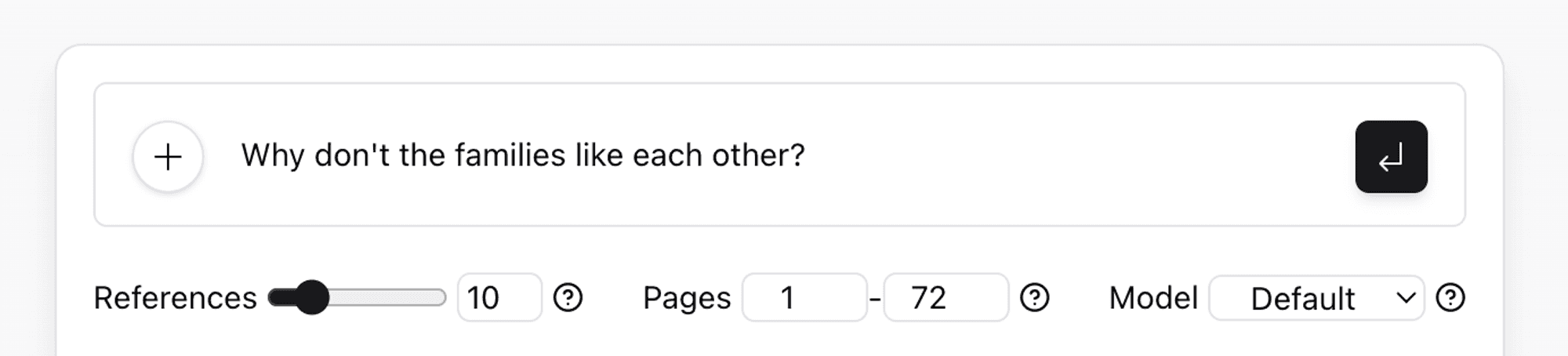
3. Adjust the number of references with the slider.
You should use more references for summaries and use less references to find a single piece of information.
To answer a specific question, start with 10 references.
You can customize the level of detail by changing the number of references.
If you receive an error message, you may need to reduce the number of references for your document.
4. Set the page range.
Type in the page numbers you want Ivory Mind to reference for your question. Selecting a page range in the document enables you to exclude topics.
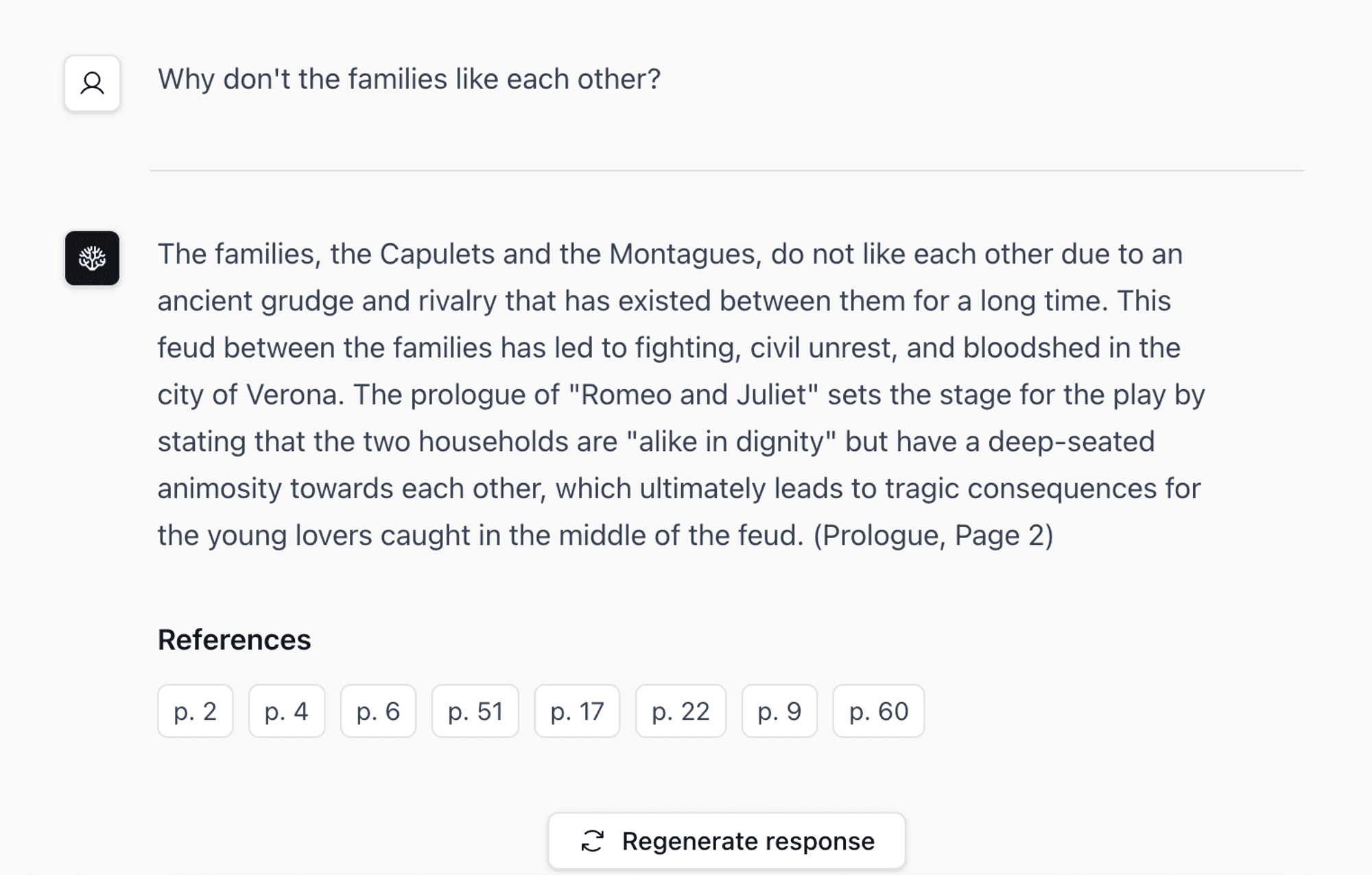
5. Get an answer instantly.
Ivory Mind will generate an answer from your document for you in seconds. If you aren’t happy with the results, just click “Regenerate Response.”
FAQ
What Questions Should I Ask?
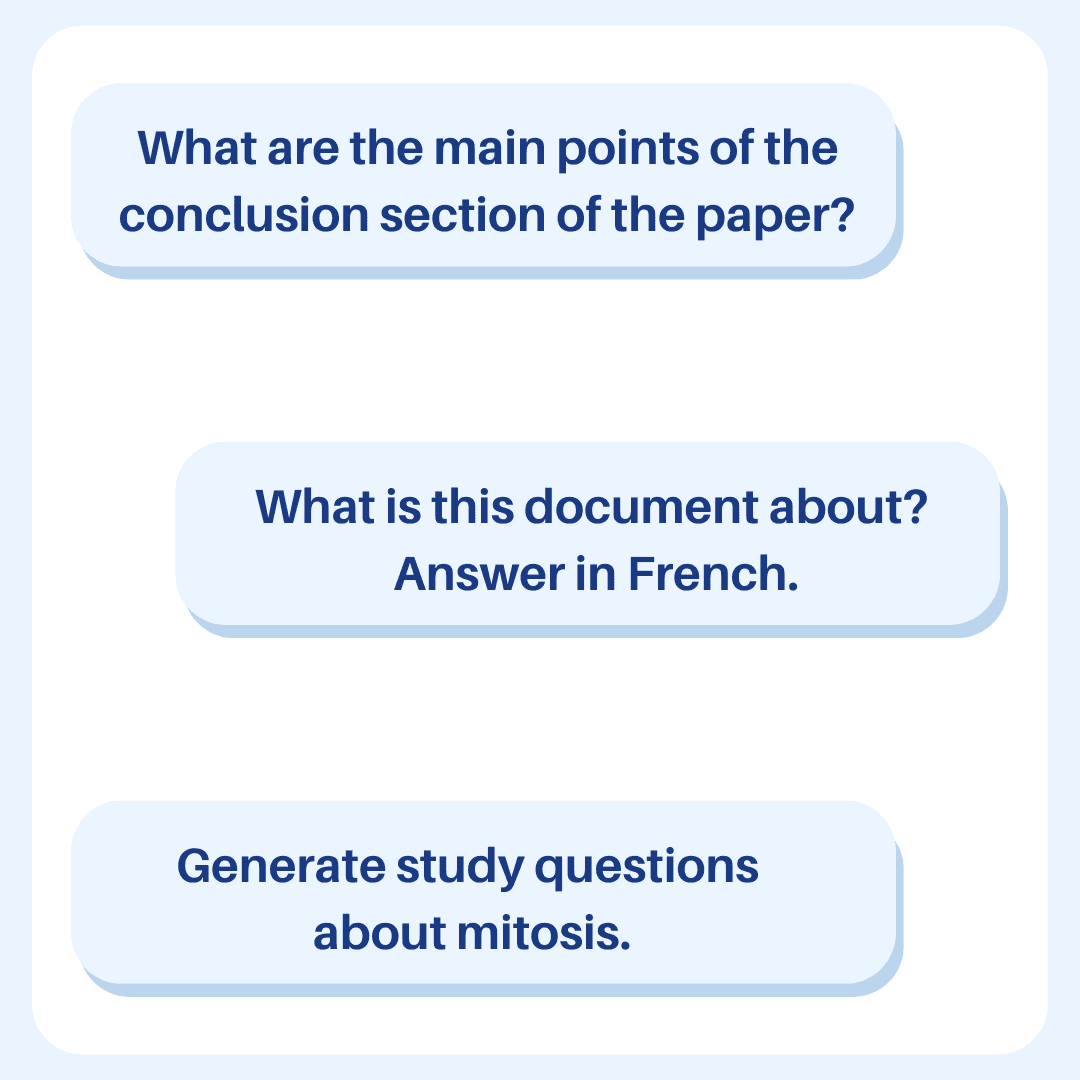
You can ask anything! Ivory Mind is designed to help with a wide range of queries, much like when you train ChatGPT on your own data. Check out our guide for tips on crafting the best prompts.
Does Ivory Mind Work in Other Languages?
Yes! Ivory Mind supports over 90 languages, including Spanish, Chinese, Hindi, French, and more. You can upload documents in different languages, ask questions in multiple languages, and even translate between them. This multi-language support is akin to training ChatGPT to handle diverse language inputs.
Will I Get Accurate Answers?
Ivory Mind bases its answers on the content of the document you upload—essentially a custom-trained ChatGPT experience. For example, if you upload a legal document, the AI will provide answers based on the information within that document. Each response includes a page number for easy verification.
Can I Upload Different File Types?
Yes! Ivory Mind supports a variety of file types, including:
Word documents (.doc, .docx)
PDFs (.pdf)
PowerPoint presentations (.ppt, .pptx)
Ebooks (.epub, .mobi)
Text files (.txt, .rtf)
Markdown files (.md)
Websites (.html)
And many more, including .tex, .pages, .key, .abw, .odt, .odp, etc.
If you need support for a specific format, feel free to reach out.
Can I Chat with Multiple Documents at Once?
Yes! Simply upload the documents to your Ivory Mind Dashboard, and click "Chat All." This feature is like training ChatGPT to handle multiple data sources simultaneously. If you want to chat with a specific group of documents, tag them and then click “Chat Tag” to interact with that group.
Can I Create Content with Ivory Mind?
Absolutely! Ivory Mind can help you write blog posts, social media captions, website copy, and more. This is a prime example of how training ChatGPT on your own data can expand its capabilities.
Can I Summarize Documents with Ivory Mind?
Yes, Ivory Mind can generate instant summaries of long documents, condensing the key points into an easy-to-read format. This is another way Ivory Mind acts as a custom-trained ChatGPT for your documents.
Is There a Limit on Document Length?
No, there’s no page limit. For particularly long documents, you can choose to summarize individual chapters, sections, or the entire document.
Custom AI Chat with Your Documents
How to Chat with Documents: Upload your DOCX, PDF, or other document types and start chatting—like training ChatGPT to understand your content.
AI Understanding: Ivory Mind comprehends the content and context of your documents, providing insightful answers.
Multiple Languages: Works in over 90 languages for both questions and document uploads, similar to how training ChatGPT can make it multilingual.
Simple and Effective: Summarizes, searches, and provides references with ease.
Supports Many File Types: From Word documents to websites, Ivory Mind can handle them all.
Tagging and Grouping: Organize your documents with tags for efficient interaction.
Train AI On Your Documents
Students: Get custom study guides from your class documents.
Researchers: Get accurate answers from research papers you upload.
Professionals: Get answers straight from company documents.
Ivory Mind saves you time, boosts productivity, and makes learning interactive. Try Ivory Mind today and experience how training AI on your own data can transform how you work with your documents.