How Ivory Mind Can Help You Summarize Lecture Slides
Learn how to use AI to supercharge your productivity!
How Ivory Mind Can Help You Summarize Lecture Slides
As a student, researcher, or professional, you're likely no stranger to the daunting task of sifting through lengthy lecture slides. The sheer volume of information can be overwhelming, making it difficult to extract the key points and takeaways. That's where Ivory Mind comes in – a game-changing tool that can help you summarize lecture slides with ease.
What is Ivory Mind?
Ivory Mind is an innovative platform that uses artificial intelligence to summarize, search, and provide insights from your documents. With its ability to process over 90 languages and support for 20+ file types, including PDFs, DOCX, and PPTX, Ivory Mind is the perfect solution for anyone looking to streamline their learning and productivity.
How to Use Ivory Mind to Summarize Lecture Slides
Using Ivory Mind to summarize lecture slides is a straightforward process. Here's a step-by-step guide to get you started:
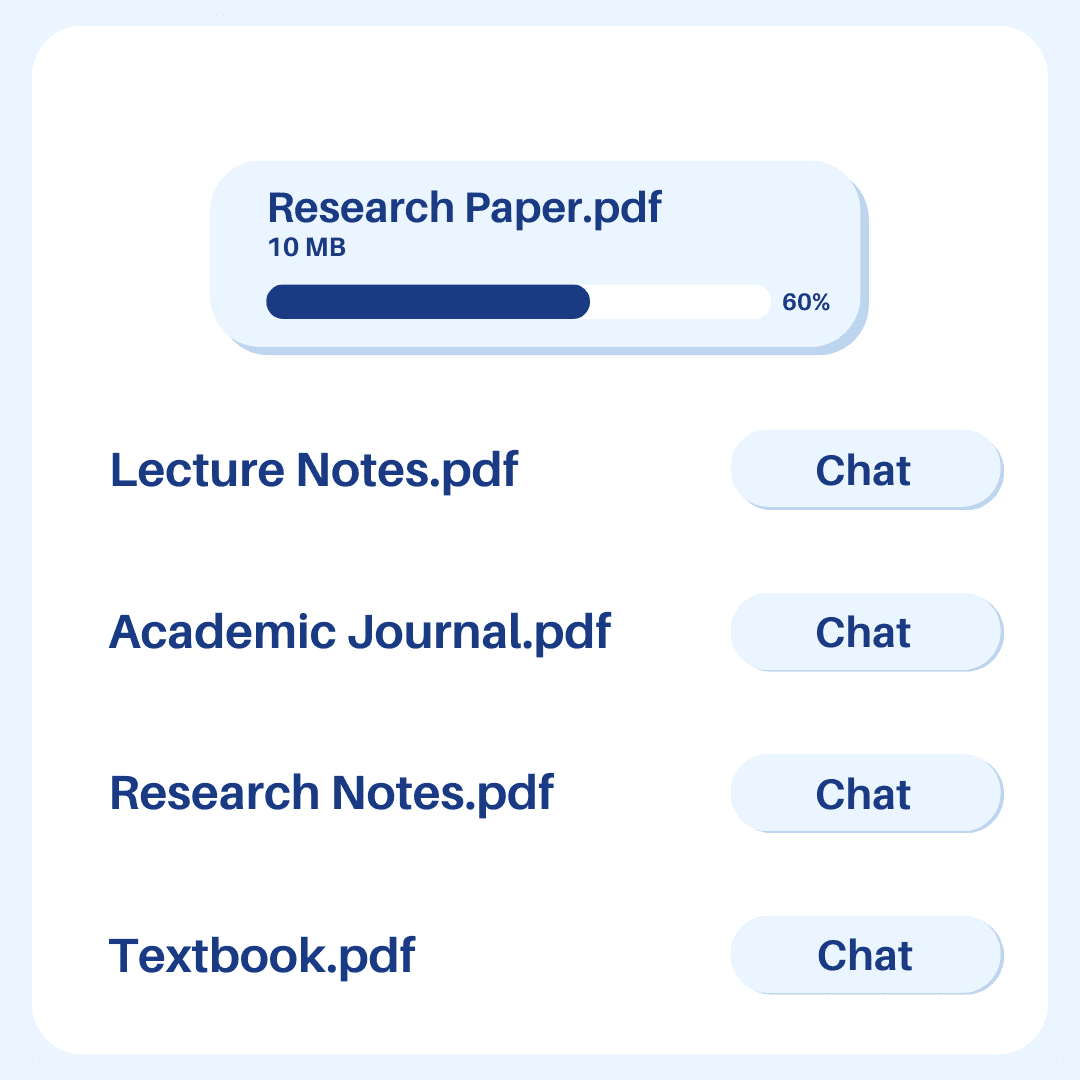
Upload your lecture slides: Simply upload your PPTX file to Ivory Mind and click "Chat."
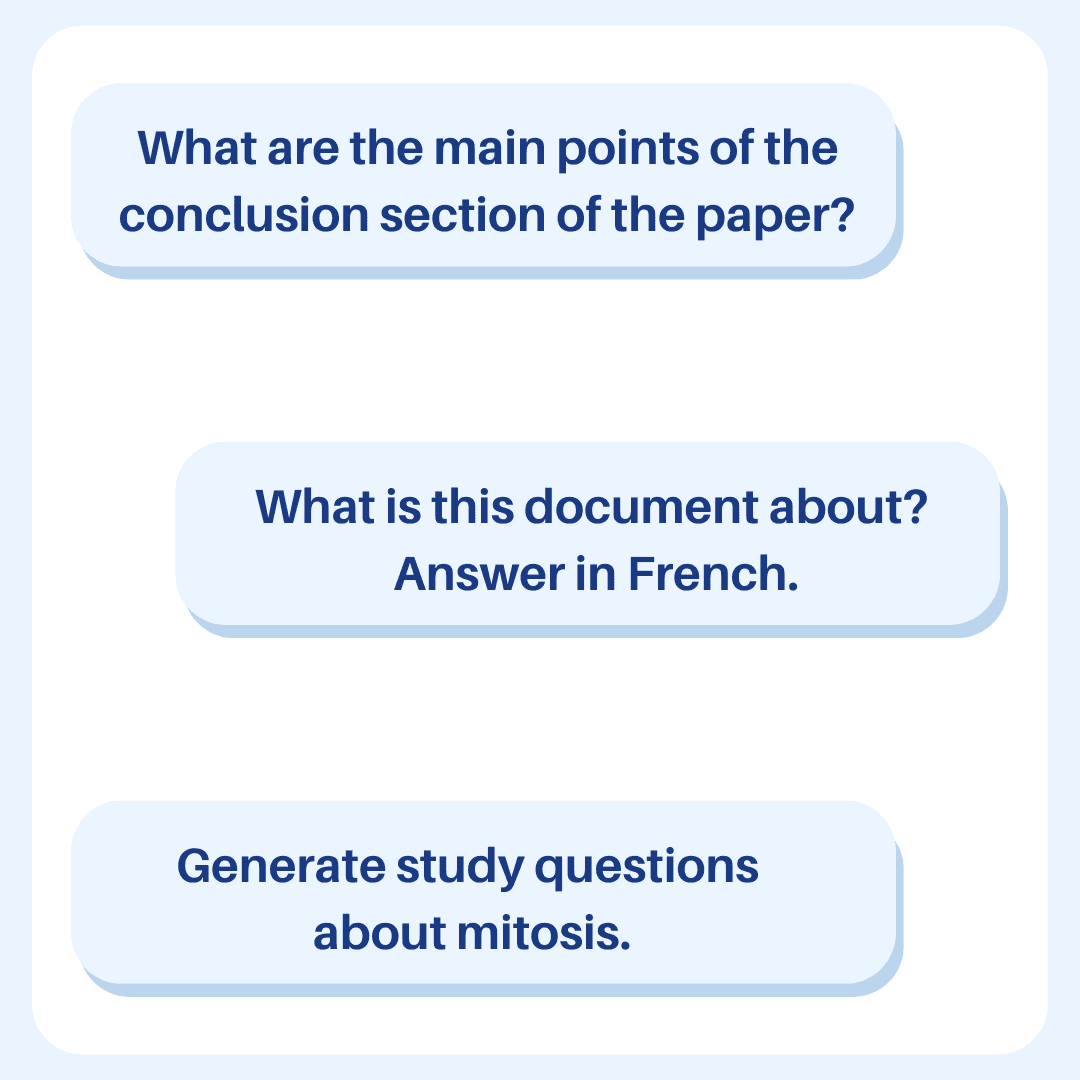
Ask your question: Type in what you want to know, and Ivory Mind will provide you with quick and accurate answers based on the content of your slides.
Adjust the number of references: Use the slider to adjust the number of references you want Ivory Mind to use. For summaries, use more references, and for specific questions, use fewer.
Set the page range: Select the page range you want Ivory Mind to reference for your question. This enables you to exclude topics and focus on the relevant information.
Get an instant summary: Ivory Mind will generate a summary of your lecture slides in seconds. If you're not happy with the results, simply click "Regenerate Response."
Benefits of Using Ivory Mind to Summarize Lecture Slides
By using Ivory Mind to summarize lecture slides, you can:
Save time: No more spending hours poring over lengthy slides. Ivory Mind can summarize the key points in seconds.
Improve productivity: With Ivory Mind, you can focus on understanding the material rather than getting bogged down in details.
Enhance learning: Ivory Mind's interactive approach makes learning more engaging and effective.
Real-World Applications
Ivory Mind is not just limited to summarizing lecture slides. It can be used in a variety of contexts, including:
Study guides: Generate custom study guides from class notes or textbooks using Ivory Mind.
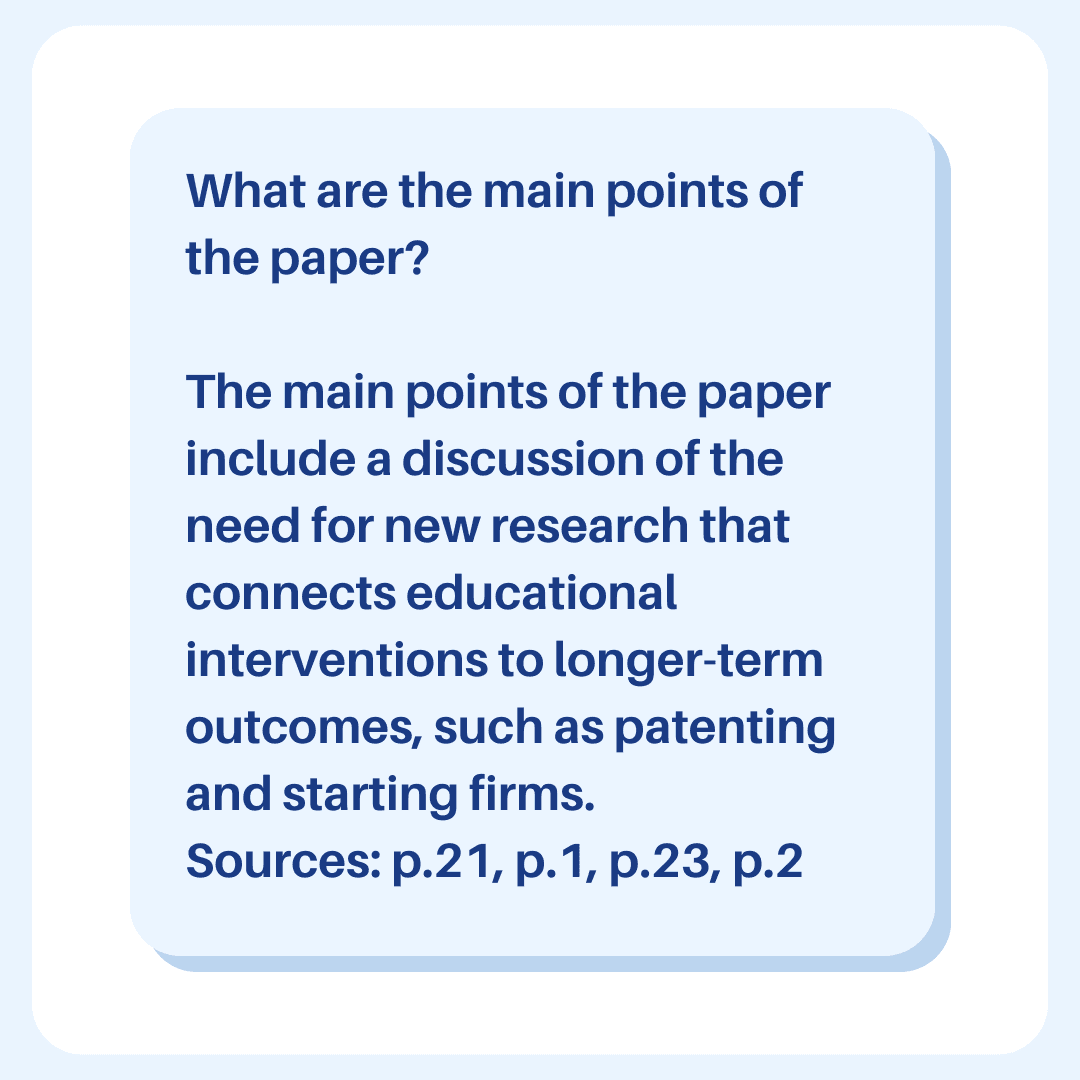
Research papers: Get accurate answers from research papers you upload to Ivory Mind.
Company documents: Get answers straight from company documents using Ivory Mind.
Conclusion
Ivory Mind is a powerful tool that can revolutionize the way you learn and work with documents. By using Ivory Mind to summarize lecture slides, you can save time, improve productivity, and enhance your learning experience. Try Ivory Mind today and discover how it can transform the way you work with your documents.