Research Paper Summarizer
Upload a research paper to get a summary of hundreds of pages in seconds.
How It Works
How It Works


1. Upload
1. Upload
1. Upload
Upload your documents to Ivory Mind.


2. Set Page Range
2. Set Page Range
2. Set Page Range
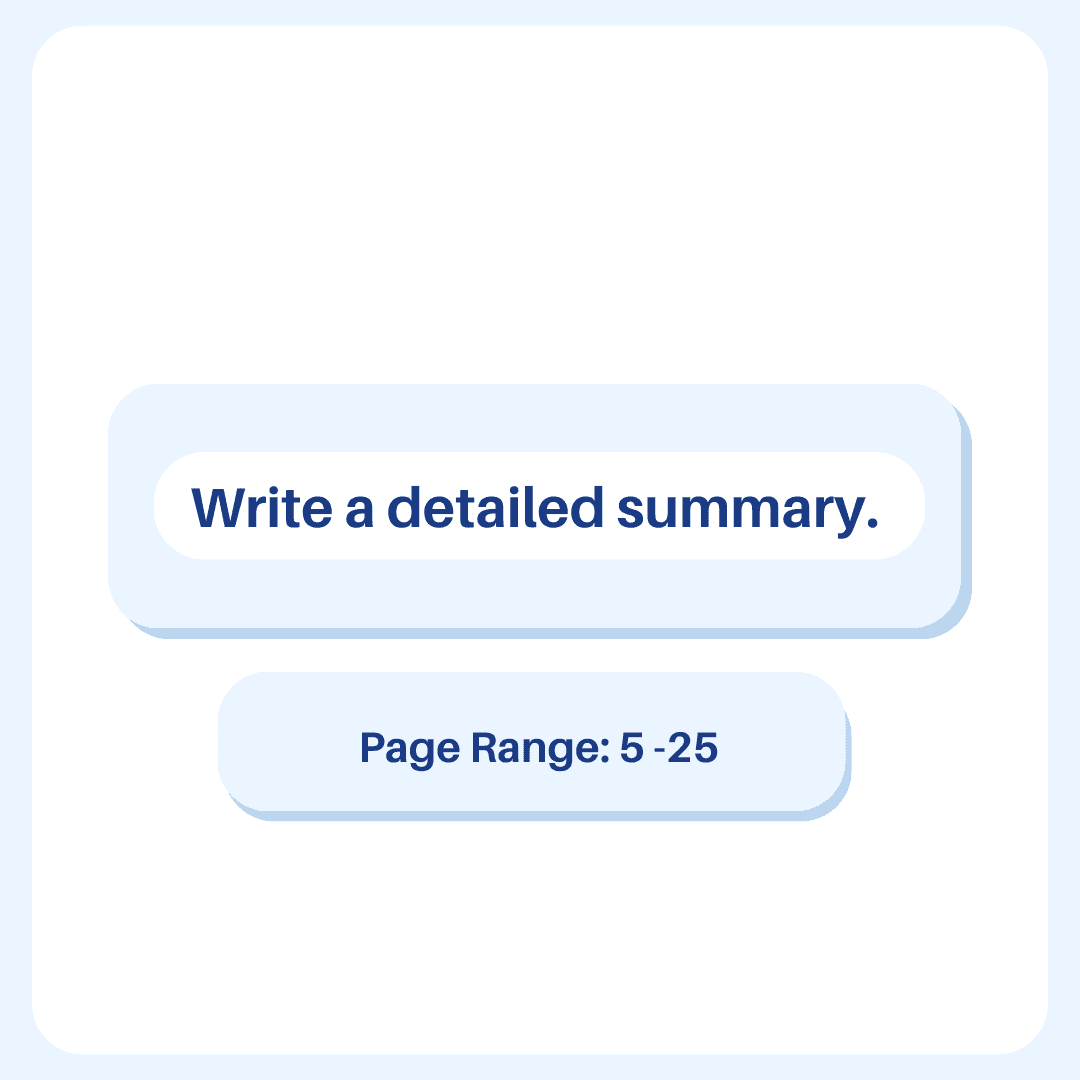
Click "Detailed Summary" and set the page range to summarize.


3. Get Summary
3. Get Summary
3. Get Summary
Get an instant summary of the document.
FAQ
Frequently Asked Questions
Will the information be correct?
The Research Paper Summarizer generates summaries based on the document that you upload. If you upload a research paper, our AI uses information from that research paper to create a summary of that paper. You can double check the information in the summary with the page number.
Will the information be correct?
The Research Paper Summarizer generates summaries based on the document that you upload. If you upload a research paper, our AI uses information from that research paper to create a summary of that paper. You can double check the information in the summary with the page number.
Will the information be correct?
The Research Paper Summarizer generates summaries based on the document that you upload. If you upload a research paper, our AI uses information from that research paper to create a summary of that paper. You can double check the information in the summary with the page number.
Does this work with other file types?
Yes! Ivory Mind supports many file types, including: - Word documents (.doc, .docx) - PDFs (.pdf) - PowerPoint presentations (.ppt, .pptx) - Ebooks (.epub, .mobi, Kindle files) - Text files (.txt, .rtf) - Markdown files (.md) - Websites (.html) And many more file types like .tex, .pages, .key, .abw, .odt, .odp, .djvu, etc. If you have a scanned PDF, we also have OCR (it even works on handwriting!) If you’d like to upload another format, please let us know.

Does this work with other file types?
Yes! Ivory Mind supports many file types, including: - Word documents (.doc, .docx) - PDFs (.pdf) - PowerPoint presentations (.ppt, .pptx) - Ebooks (.epub, .mobi, Kindle files) - Text files (.txt, .rtf) - Markdown files (.md) - Websites (.html) And many more file types like .tex, .pages, .key, .abw, .odt, .odp, .djvu, etc. If you have a scanned PDF, we also have OCR (it even works on handwriting!) If you’d like to upload another format, please let us know.
Does this work with other file types?
Yes! Ivory Mind supports many file types, including: - Word documents (.doc, .docx) - PDFs (.pdf) - PowerPoint presentations (.ppt, .pptx) - Ebooks (.epub, .mobi, Kindle files) - Text files (.txt, .rtf) - Markdown files (.md) - Websites (.html) And many more file types like .tex, .pages, .key, .abw, .odt, .odp, .djvu, etc. If you have a scanned PDF, we also have OCR (it even works on handwriting!) If you’d like to upload another format, please let us know.