Chat with Markdown
Chat with Markdown Files Using Ivory Mind
Key Features
Get instant answers from your markdown files
Summarize long documents in seconds, saving you hours per week
Upload all of your documents and search for key information across all of them
Get a clickable page number reference with every answer
Tag your documents and chat with groups of tagged documents
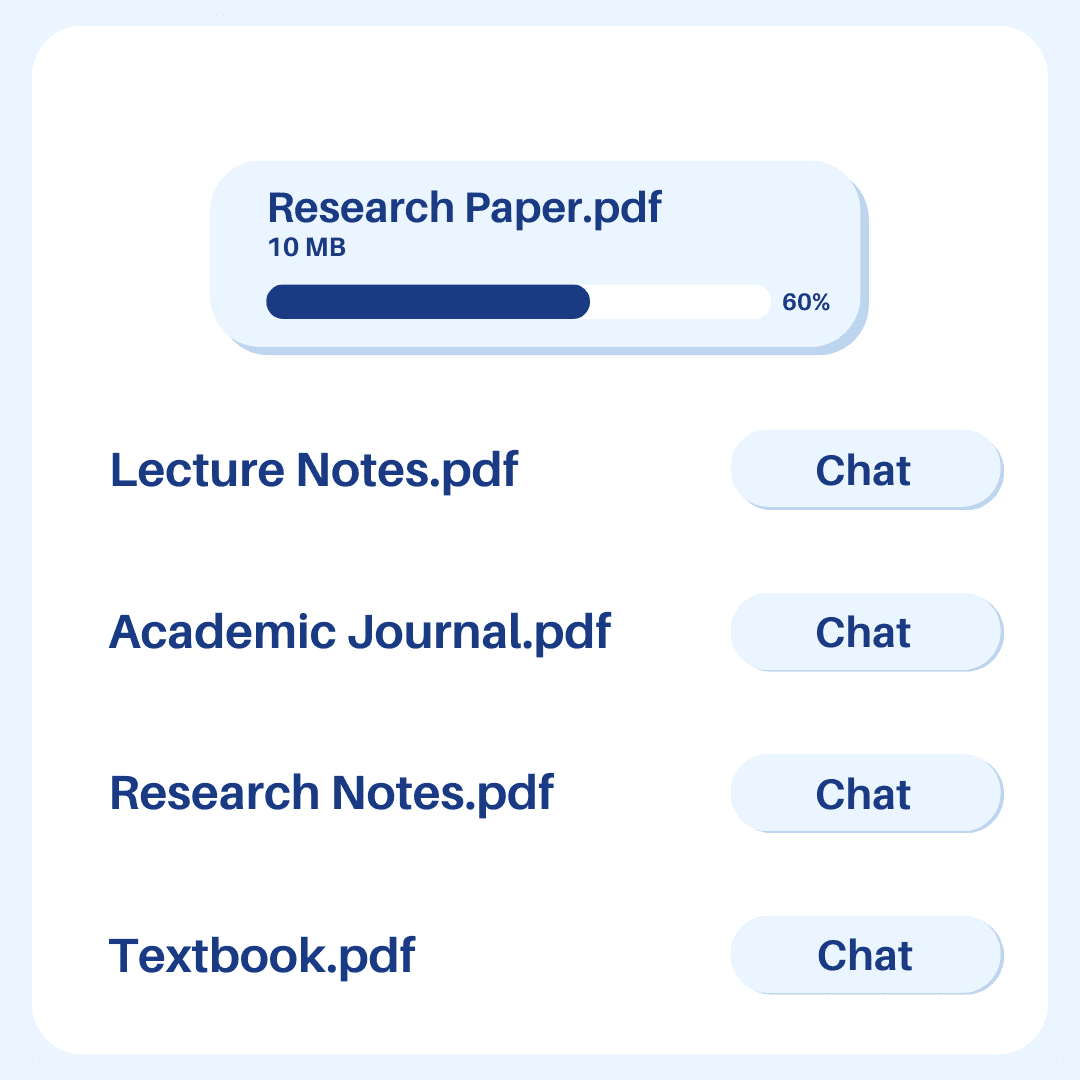
Upload 20+ file types including: .pdf, .docx, .pptx, .txt
How To Chat with Markdown Files
Ivory Mind makes working with Markdown files and other documents more efficient, saving you time and helping you quickly find important information. It provides concise summaries of lengthy Markdown files, explains complex ideas, and rapidly locates key details.
Ask AI Questions
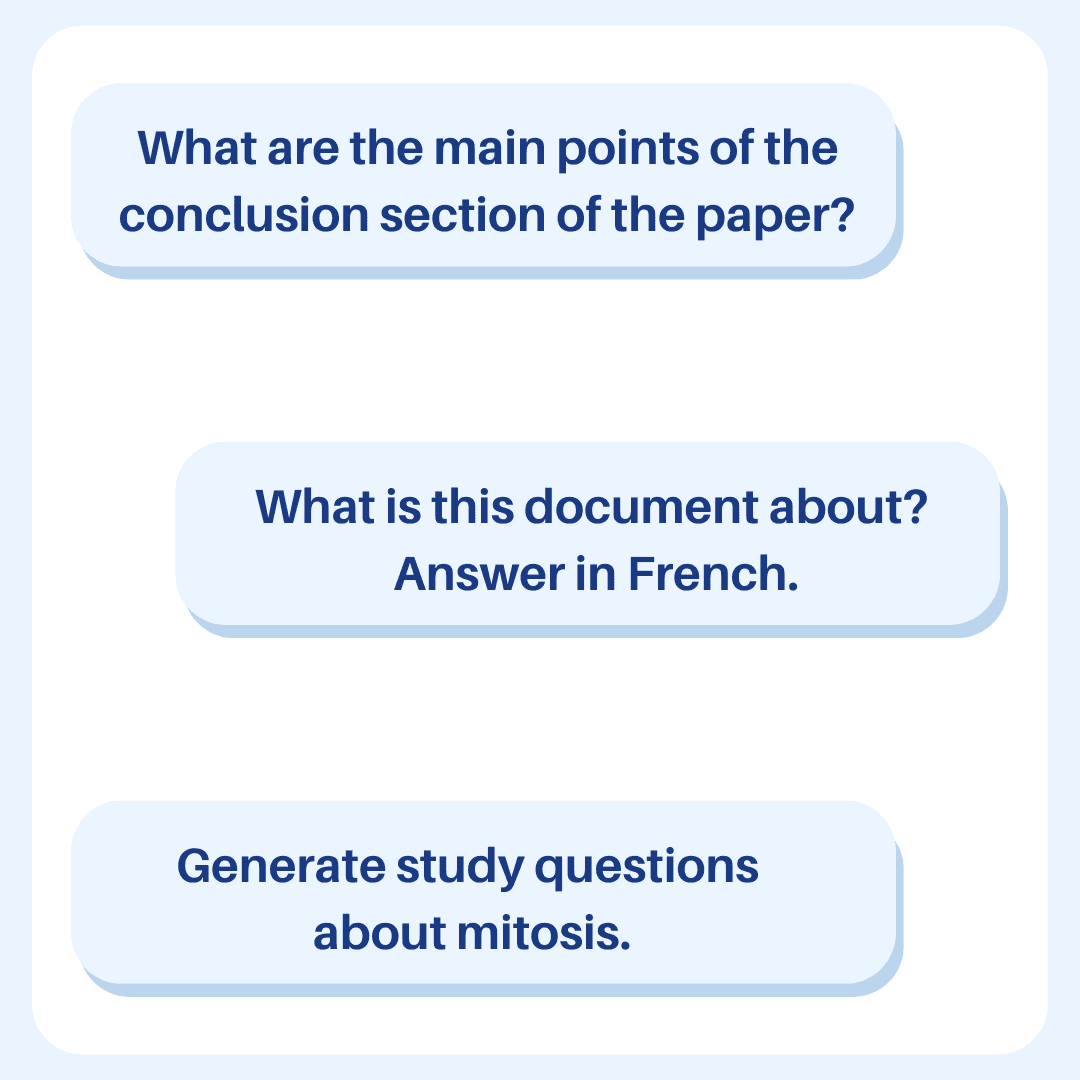
Using Ivory Mind is simple. Start by uploading your Markdown file—or any of the 20+ file types it supports, such as PDFs and DOCX files. You can then ask questions about your Markdown document just like you would talk to a knowledgeable friend. Type in your query, and Ivory Mind will deliver quick, accurate responses based on the content of your file.
Summarize Markdown Files
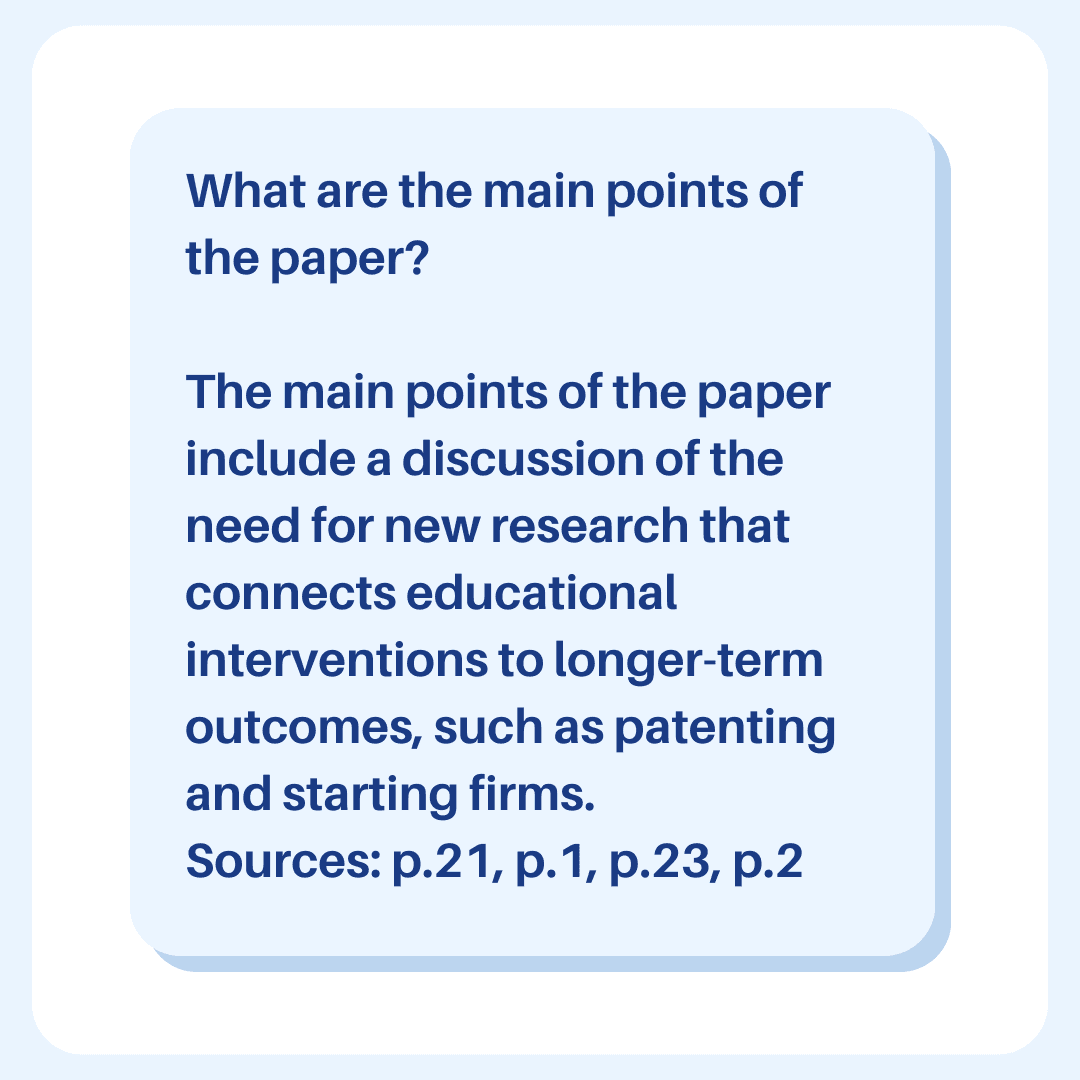
Ivory Mind offers more than just answers. It can efficiently summarize entire Markdown text files, significantly reducing your reading time. You can search for specific facts across all your uploaded files, making it easy to uncover hidden details. Each answer indicates the exact location within the file, allowing you to verify the source effortlessly.
Chat With Multiple Files
Ivory Mind also helps you organize your files. You can tag your files and interact with groups of tagged documents, making it easier to manage related files.
An AI Document Assistant
The standout feature of Ivory Mind is its ability to transform static MD documents into interactive resources you can engage with and learn from. Whether you're preparing for a meeting, studying complex material, or deciphering a lengthy report, Ivory Mind simplifies the process. It's like having a knowledgeable assistant who understands all your documents and is always ready to discuss them.
By using Ivory Mind, you'll save time, gain insights faster, and work more efficiently with your Markdown files, MD documents, and other Markdown text files.
FAQ
What questions should I ask?
You can ask whatever you want! Check out our guide to learn how to write the best prompt for your needs.
Does Ivory Mind work in other languages?
Yes, Ivory Mind works in 90+ languages including Spanish, Chinese, Hindi, French, Arabic, German, Portuguese, and more. You can upload documents written in different languages, ask questions in different languages, and translate between different languages.
Check out our guide to get started using Ivory Mind in different languages.
Will I get correct answers?
Ivory Mind works by giving you answers based on the document that you upload. For example, if you upload a legal document, our AI uses information from that legal document to answer your questions.
The responses will always include the page number of the document that the AI referenced when creating the response. You can double check the information in the responses with the page number.
Can I upload different file types?
Yes! Ivory Mind supports many file types, including:
Word documents (.doc, .docx)
PDFs (.pdf)
PowerPoint presentations (.ppt, .pptx)
Ebooks (.epub, .mobi, Kindle files)
Text files (.txt, .rtf)
Markdown files (.md)
Websites (.html)
And many more file types like .tex, .pages, .key, .abw, .odt, .odp, etc.
If you'd like to upload another format, please let us know.
Can I chat with multiple documents at the same time?
Yes. Just upload all of the documents you want to chat with to your Ivory Mind Dashboard then click "Chat All." Type in your question or prompt, and Ivory Mind will search all of your documents to give you an answer with page citations. If you would like to chat with a specific group of documents, give them the same tag and then click “Chat Tag” and select the tag from the drop-down.
Can I create content with Ivory Mind?
You can use Ivory Mind to write blog posts, Instagram captions, tweets, LinkedIn posts, website copy, and everything in-between.
Check out our guide to get started.
Can I summarize documents with Ivory Mind?
You can use Ivory Mind to get instant summaries of long documents. It will condense all of the important points in the document into a short easy-to-read format.
Check out our guide to get started.
How long can the documents be?
There's no page limit. For long documents you can summarize individual chapters/sections or the whole document.
Ivory Mind: Chat with Your Documents
How Does This AI Tool Work?
Lets you chat with Word Documents (DOCX) and other document types
Understands document content and context
Answers questions about your documents
Works in multiple languages
Why Ivory Mind Is The Best AI Chat With Document
Easy to use: Chat like you're talking to a friend
Summarizes long documents quickly
Searches across all your uploaded documents
Provides page number references for answers
Supports 20+ file types including PDF, Word, PPTX
Lets you tag and group documents
Easy AI Assistant for Everyone
Students: Study and understand course materials
Researchers: Analyze academic papers
Professionals: Navigate complex documents easily
Boost Productivity With AI Document Chat
Saves time reading long documents
Finds specific information quickly
Improves productivity
Makes learning more interactive
Try Ivory Mind to chat with your documents and work smarter.