Podcast Summarizer
Summarize a podcast with Ivory Mind
Summarize Podcasts with Ivory Mind
Ivory Mind makes it simple to turn your podcasts into text using AI.
Step 1: Upload Your Podcast
Ivory Mind supports formats like MP3, WAV, and AAC.
Step 2: Select Language and Start Transcription
Choose from 90+ languages. Check the speaker identification box if there are multiple speakers in the audio recording.

Get The Best Podcast Summary
Ivory Mind will automatically generate a transcript summary of your podcast within seconds, providing you with the key takeaways.
Unlock the Power of AI-Driven Podcast Insights
Uncover the essence of every podcast with AI-powered precision. Let our AI be your personal podcast curator, transforming lengthy episodes into bite-sized brilliance. Ivory Mind Podcast Summarizer is a revolutionary tool that uses advanced artificial intelligence to condense long-form podcasts into concise, easy-to-digest summaries.
Summarize your podcast in seconds.
Save hours using Ivory Mind.
Pages-long boring transcriptions? No one reads. Crisp and short podcast summary? Everyone clicks.
Now, summarize podcasts in 5 minutes.
Allow your listeners to skim your podcast with Key Takeaways—and save their time.
Have to read the whole transcription, still can’t divide podcasts into topics and chapters?
Now, detect your podcast chapters automatically with Ivory Mind Podcast Summarizer.
Get related topics grouped, along with chapter names and timestamps.
Make your podcast content skimmable and easy-to-follow.
Sit back and let AI summarize your podcasts.
How does Ivory Mind Podcast Summarizer work?
Our summarizer saves you time by providing quick and comprehensive summaries of podcasts, allowing you to stay informed without having to listen to the entire episode.
What are the benefits of using Ivory Mind Podcast Summarizer?
Ivory Mind automatically generates summaries that capture the main points of an episode, allowing you to quickly grasp the key takeaways and stay informed about the content. This can be helpful if you're short on time or want to get a general understanding of a podcast before deciding to listen to the entire episode.
How accurate are the summaries generated by Ivory Mind's Podcast Summarizer?
Our AI technology is highly accurate and able to capture the main points of a podcast episode effectively.
FAQ
What questions should I ask?
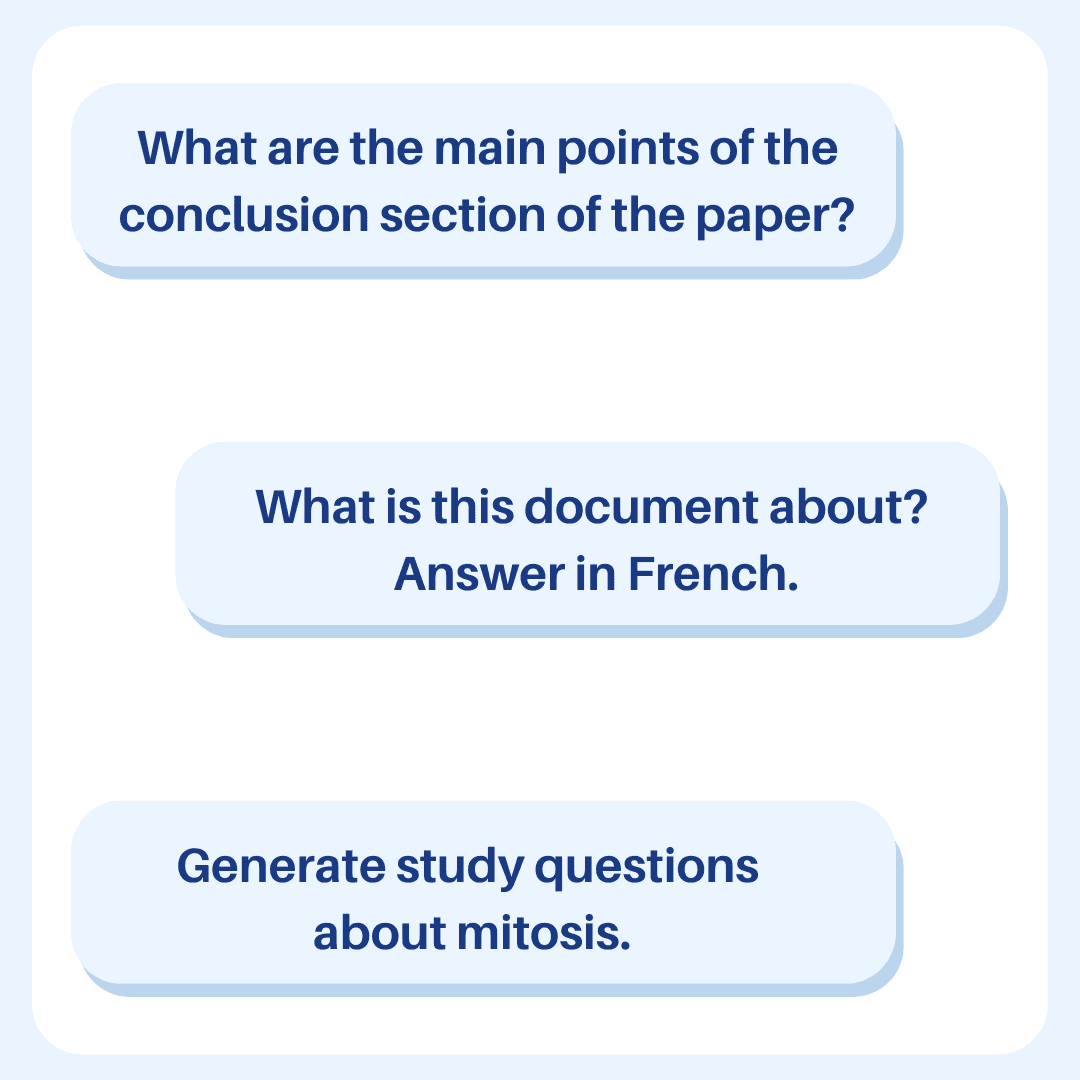
You can ask whatever you want! Check out our guide to learn how to write the best prompt for your needs.
Does Ivory Mind work in other languages?
Yes, Ivory Mind works in 90+ languages for documents including Spanish, Chinese, Hindi, French, Arabic, German, Portuguese, and more. You can upload documents written in different languages, ask questions in different languages, and translate between different languages.
For audio transcription, Ivory Mind works in 30+ languages (Bulgarian, Catalan, Chinese (Mandarin, Simplified), Chinese (Mandarin, Traditional), Chinese (Cantonese, Traditional), Czech, Danish, Dutch, English, Estonian, Finnish, Flemish, French, German, German (Switzerland), Greek, Hindi, Hungarian, Indonesian, Italian, Japanese, Korean, Latvian, Lithuanian, Malay, Multilingual (Spanish + English), Norwegian, Polish, Portuguese, Romanian, Russian, Slovak, Spanish, Swedish, Thai, Turkish, Ukrainian, Vietnamese).
Check out our guide to get started using Ivory Mind in different languages.
Will I get correct answers?
Ivory Mind works by giving you answers based on the document that you upload. For example, if you upload a legal document, our AI uses information from that legal document to answer your questions.
The responses will always include the page number of the document that the AI referenced when creating the response. You can double check the information in the responses with the page number.
Can I upload different file types?
Yes! Ivory Mind supports many file types, including:
Word documents (.doc, .docx)
PDFs (.pdf)
PowerPoint presentations (.ppt, .pptx)
Ebooks (.epub, .mobi, Kindle files)
Text files (.txt, .rtf)
Markdown files (.md)
Websites (.html)
Audio files (.mp3, .mp4, .mp2, .aac, .wav, .flac, .pcm, .m4a, .ogg, .opus, .webm, and more.)
And many more file types like .tex, .pages, .key, .abw, .odt, .odp, .djvu, etc.
If you have a scanned PDF, we also have OCR (it even works on handwriting!)
If you’d like to upload another format, please let us know.
Can I chat with multiple documents at the same time?
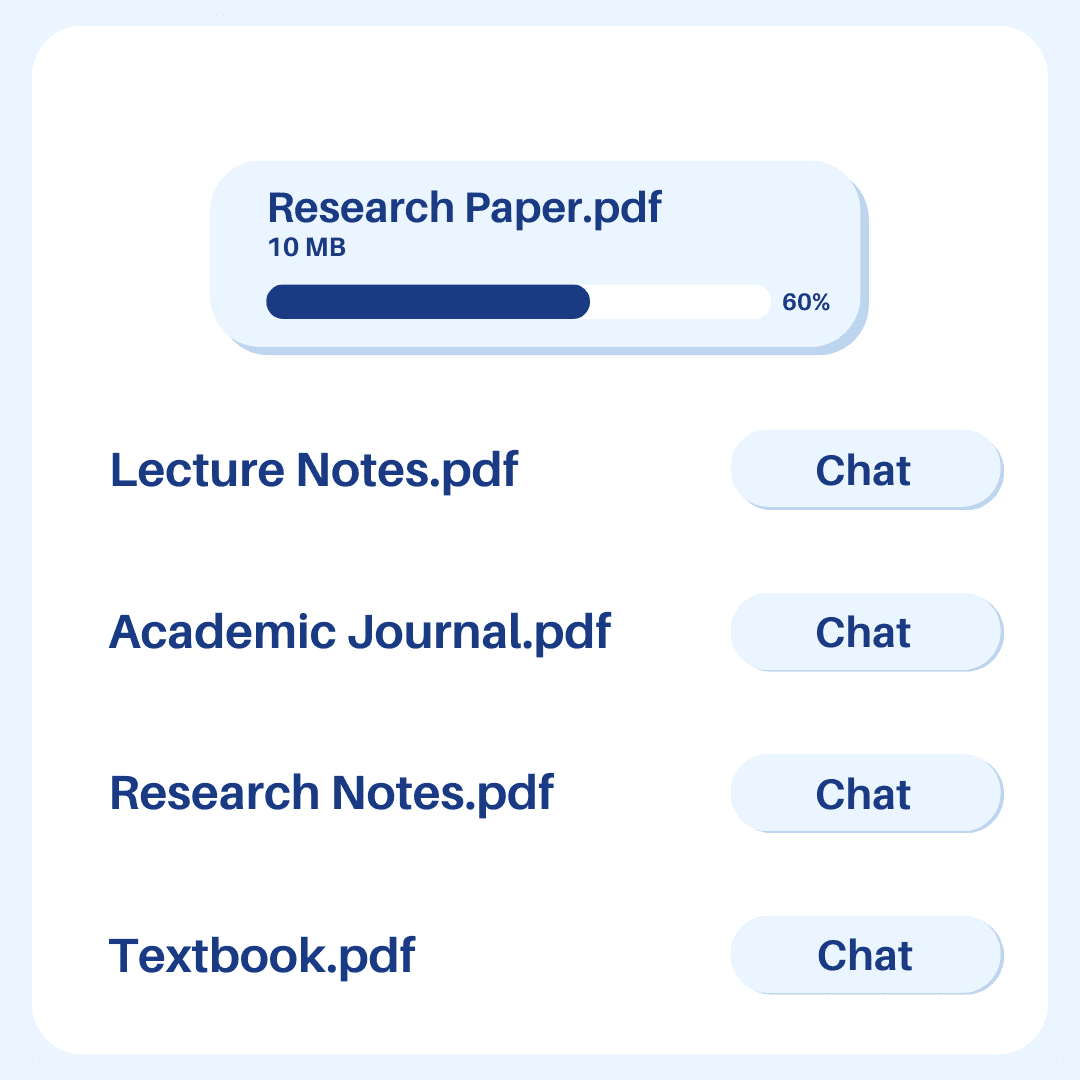
Yes. Just upload all of the documents you want to chat with to your Ivory Mind Dashboard then click "Chat All." Type in your question or prompt, and Ivory Mind will search all of your documents to give you an answer with page citations.
If you would like to chat with a specific group of documents, give them the same tag and then click “Chat Group” and select the tag from the drop-down.
Can I create content with Ivory Mind?
You can use Ivory Mind to write blog posts, Instagram captions, tweets, LinkedIn posts, website copy, and everything in-between.
Check out our guide to get started.
Can I summarize files with Ivory Mind?
You can use Ivory Mind to get instant summaries of long files. It will condense all of the important points in the file into a short easy-to-read format.
Check out our guide to get started.
How do I transcribe audio files with Ivory Mind?
Just upload your audio file to Ivory Mind, and our software will transcribe it for you. Then you can use Ivory Mind to chat with your audio file and ask questions, get summaries, and more.
How long can the documents be?
There's no page limit. For long documents you can summarize individual chapters/sections or the whole document.
Ivory Mind: Chat with Your Podcasts
Chat With Podcasts
Lets you chat with audio and video files and other document types
Understands audio and video file content and context
Answers questions about your files
Works in 30+ languages
The Best Chat With Podcast Tool
Easy to use: Chat like you're talking to a friend
Summarizes long files quickly
Searches across all your uploaded files
Provides page number references for answers
Supports 25+ file types including PDF, Word, PPTX
Lets you tag and group files
An AI Tool For Students, Professionals, & Researchers
Students: Study and understand course materials like lectures, textbooks, and study guides
Researchers: Analyze academic papers and videos
Professionals: Review meeting audios and reports quickly
Transcribe & Chat With Audio & Video Files Faster
Saves time watching or listening to long videos or audio
Finds specific information quickly
Improves productivity
Makes learning more interactive
Try Ivory Mind to chat with your audio and video files and work smarter.
Step 3: Download Your Transcription
Download your transcription in text format straight from the Ivory Mind chat window.
Why Use Ivory Mind?
Fast and Accurate: Get reliable transcriptions quickly.
Easy to Edit: Text format lets you edit and share with ease.